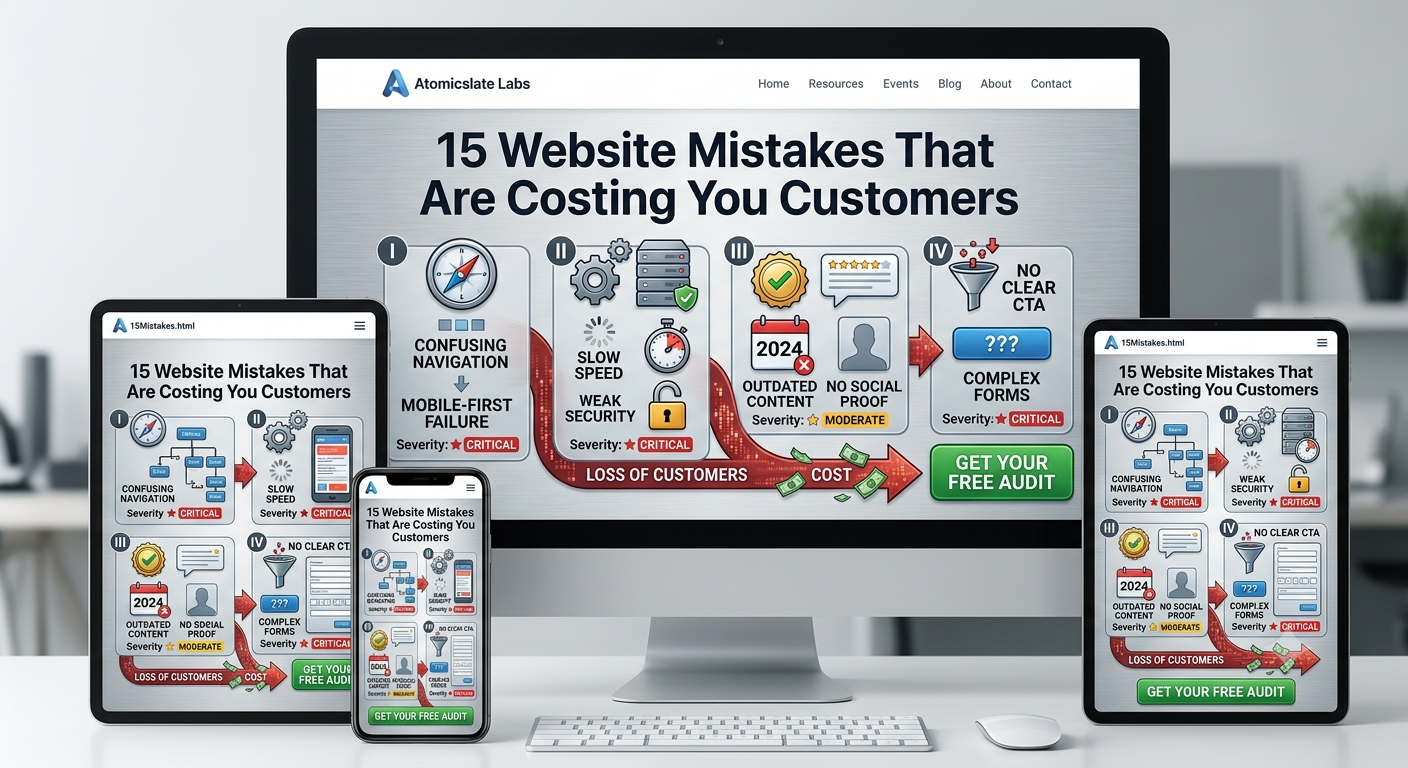
15 common website mistakes — grouped by navigation, technical foundation, content trust, and conversion — that are quietly costing you customers, with severity ratings and fixes.
Most businesses don't lose customers because their website is dramatically broken. They lose them quietly — a few seconds of hesitation, a confusing menu, a form nobody finishes. Each mistake below seems small on its own. Together, they're often the entire reason a site gets traffic but not customers.
1First Impressions & Design
1. Making the Site About You, Not Them
CriticalIf the first thing visitors see is a long history of your company or a generic welcome message, you're losing them. Visitors don't care about your company until they know your company can solve their problem.
2. Navigation That Doesn't Match How Customers Think
CriticalMenus organized around your internal org chart instead of around what a visitor is actually trying to do force people to translate your business into their problem before they can find anything.
3. No Mobile-First Design
CriticalThe majority of web traffic now happens on mobile. A site that looks fine on desktop but cramped or broken on a phone isn't a minor inconvenience — it's the version most visitors actually see.
4. Buried or Missing Contact Information
ModerateIf someone has to hunt for a phone number, email, or physical address, doubt creeps in before they've even decided whether to trust you.
2Technical Foundation
5. Slow Page Load Speed
CriticalSlow loading speed consistently shows up as one of the single most damaging factors in customer abandonment. A sluggish site reads as carelessness before a visitor has read a word.
6. Weak Security (No SSL, Outdated Plugins)
CriticalWithout proper SSL encryption, browsers actively flag your site as "Not Secure" before anything else loads.
7. Broken Links and 404 Errors
ModerateEvery broken link is a small, repeated signal that nobody's paying attention. They frustrate visitors trying to complete a task.
8. No Analytics or Tracking
ModerateIf your tracking isn't fully and correctly configured, you're not just missing data — you're making decisions blind.
3Content & Trust
9. Outdated Content and Stale Info
ModerateAn outdated site quietly tells visitors that if you're not paying attention here, they should wonder where else you're not paying attention either.
10. Walls of Text With No Structure
ModerateMost visitors scan for the part that answers their question, and unstructured content makes that nearly impossible.
11. Spelling, Grammar, Inconsistent Messaging
ModerateErrors and inconsistency communicate carelessness. If a business can't be bothered to proofread its own website, what else gets cut?
12. Missing or Weak Social Proof
ModerateTestimonials, case studies, and trust badges aren't decoration — they're often the deciding factor.
4Conversion Mechanics
13. No Clear Call-to-Action
CriticalA striking share of small business websites don't include a clear CTA at all — and without one, even a genuinely interested visitor has no obvious next step.
14. Overly Complex Forms
ModerateAsking for a name and email up front, and saving the rest for later in the relationship, consistently outperforms asking for everything at once.
15. Dead End Pages
ModerateEvery page should lead to another page. If someone reaches the bottom of a service page and there are no related links or next steps, you've handed them a natural exit point.
Atomicslate Labs Team
The Atomicslate Labs Team team brings you expert-reviewed guides and practical architecture advice for businesses scaling in the modern web era.
